
- 5 GB free
- Only you can open it
- Phone · Tablet · Computer
Private Locker · 1,284 files
IDs
Photos
Bills
Medical
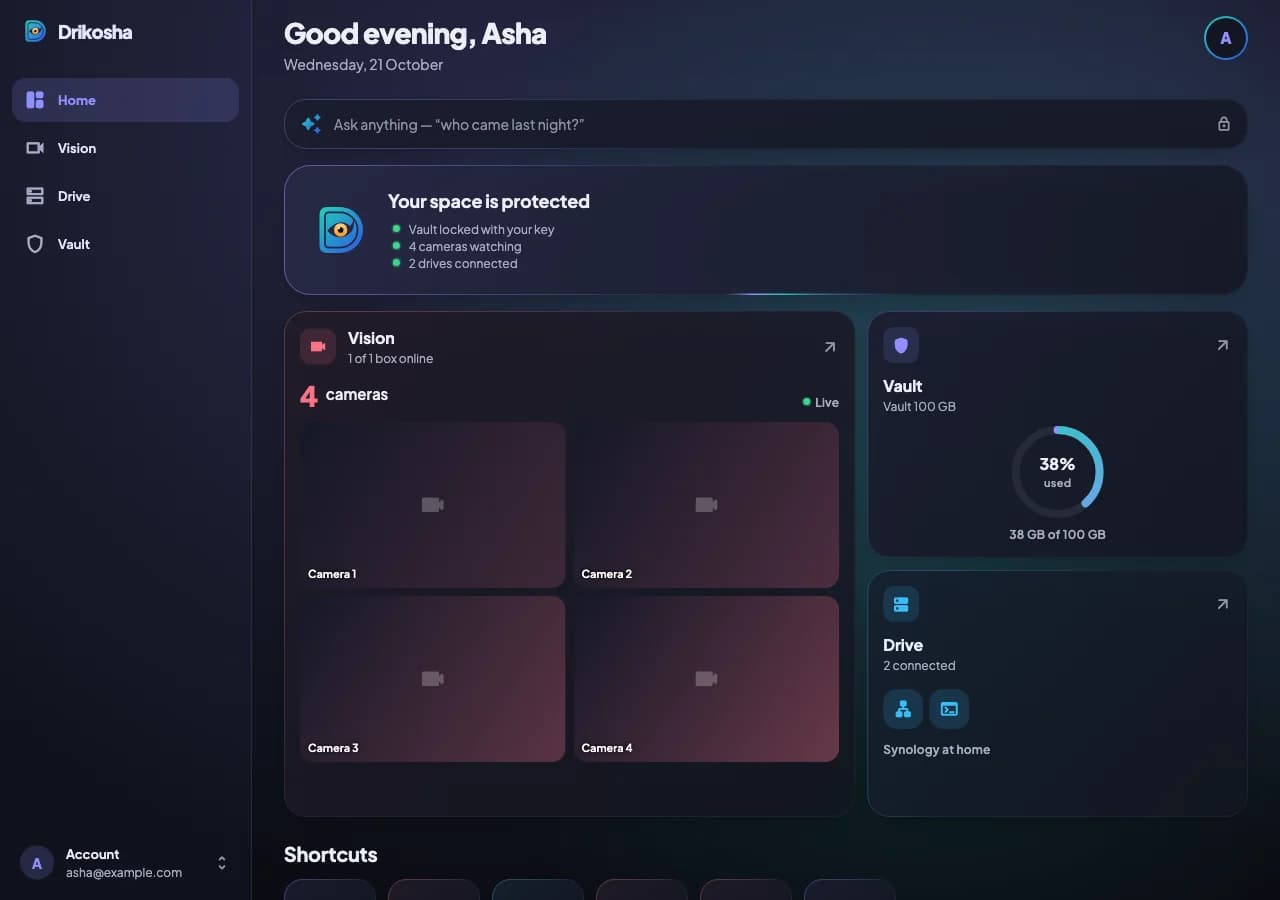
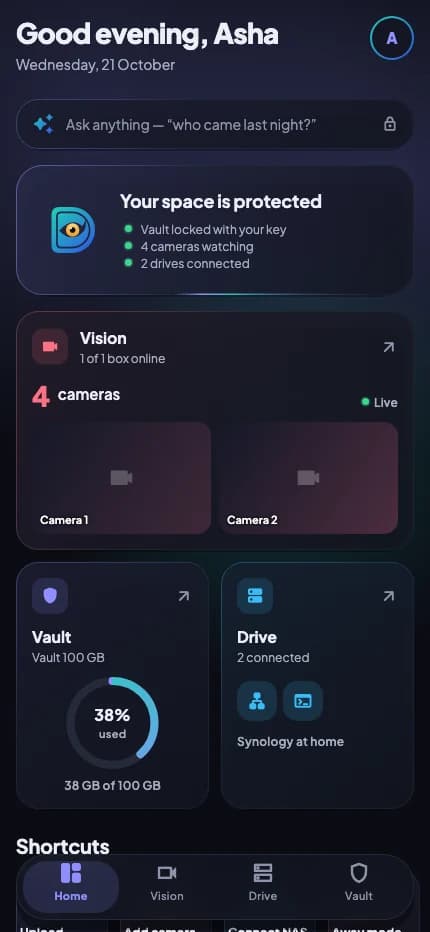
One app · three everyday tools
IDs
Photos
Bills
Medical
Locked · only you can open
Inside the app
Privacy
Only you hold the key
Files are encrypted (AES-256) on your device. The key never leaves it.
Nothing to leak
We store locked data we can’t read, so there is nothing to lose or hand over.
Safe recovery
A personal recovery key or approval from your other device, never a back door.
Every device approved
New phones and computers must be approved before they open anything.
Families
IDs, property papers, certificates and family photos, safe and always with you.
Small businesses
Contracts, invoices and shop cameras, with team access and clean invoices.
Every device
Android, iPhone, Windows, macOS and Linux.
Early access
Be among the first to use Drikosha.
Leave your details for early-access pricing, or to become a partner in your city.
Product website: drikosha.com
FAQ
Questions about Drikosha
Can’t find your answer? Ask us directly. We reply within one business day.
Can WasTechno see my files?
No. Files are locked on your device before upload, with keys only you have. We store data we cannot read.
What if I forget my password?
Use your personal recovery key, or approve the request from another signed-in device. Your files stay locked the whole time.
Is there a free plan?
Yes, every account gets 5 GB of private locker space free. Upgrade to 100 GB, 500 GB, 1 TB or 2 TB when you need more.
Do I need cameras to use Drikosha?
No. The locker and storage tools work on their own. Cameras are an optional add-on.
Where are camera recordings kept?
At your home or shop, on a computer you already own (an old laptop, PC or Raspberry Pi) or a ready-made Drikosha box. Live view reaches your phone over an end-to-end encrypted link; no video goes to the cloud.
Do I need to buy new hardware?
No. The free Drikosha Vision software turns an old laptop or PC into a private recorder in a few minutes. Set it up from the app with one command.
What is “Ask Drikosha”?
One search box for everything: “anyone at the gate last night?” or “my PAN card”. It works on your phone, so your questions never leave it.